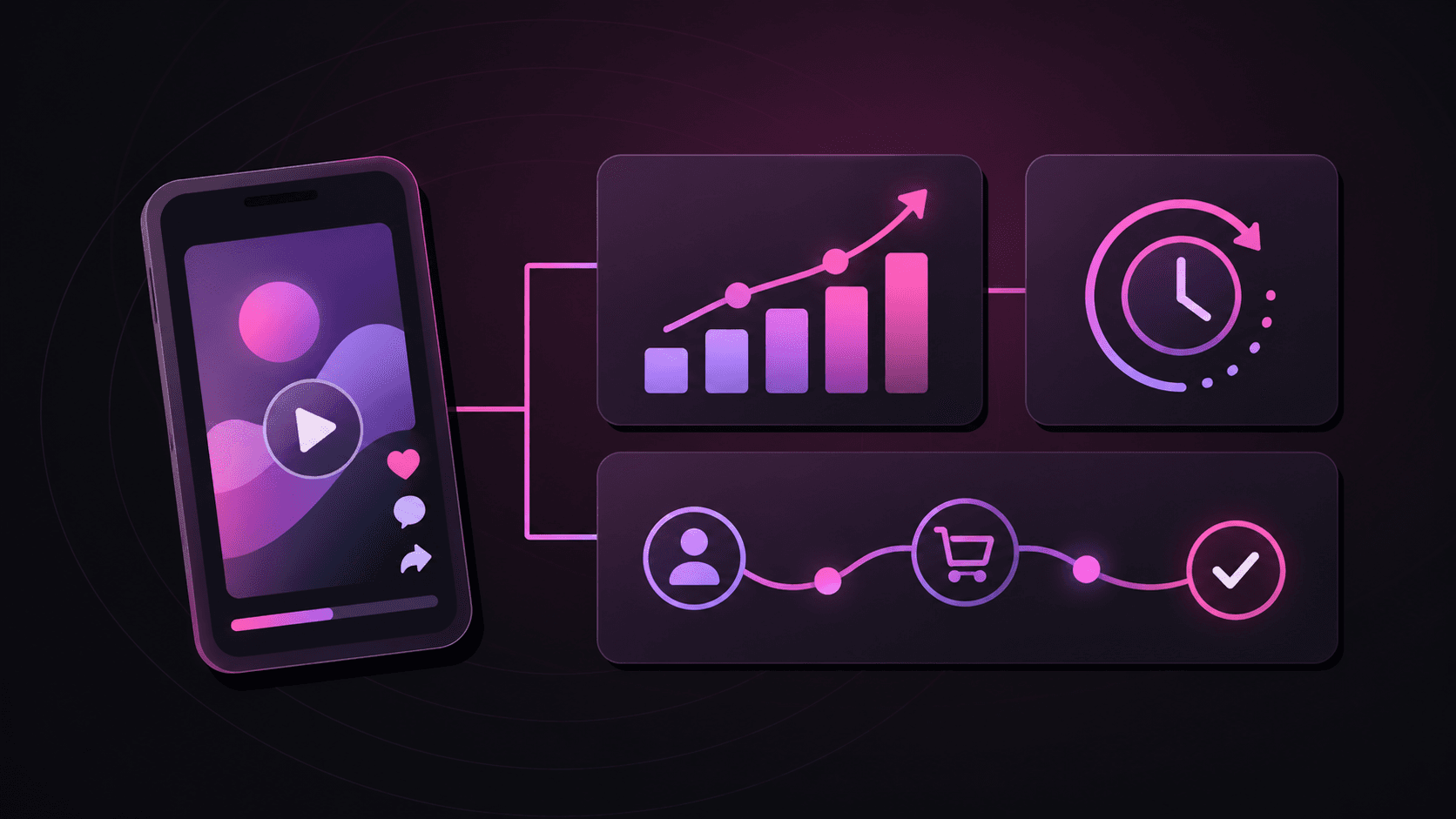
“The app shows a purchase, but the ad report does not” is a useful warning. It is not yet a useful diagnosis.
The action may have happened without an event being emitted. The measurement system may have received the event but attributed it elsewhere. A validation rule may have excluded it. Or the event may be present in a report whose dates, filters, or refresh schedule differ from yours.
A good investigation makes the disputed handoff small enough for someone to check. You do not need a customer-data dump or a production purchase to do that. Start with one permitted example and follow the evidence.
Choose an example you are allowed to inspect
Use a supported, authorized test mode, or a safely redacted historical record that the relevant team is permitted to access. Do not create a real conversion, click an affiliate link, or replay a production postback merely to make the investigation easier. Those actions can alter reporting, billing, or campaign signals.
Assign the example a case label that has no meaning outside the investigation, such as “TEST-017.” It is a discussion reference, not a fabricated platform identifier. Keep any necessary mapping to real records inside the approved access-controlled system.
Record the app, operating system, app version, event name, and expected business meaning. Include whether the disputed count concerns actions, unique people, first payments, or all payments.
Then bound the search with a time interval and a time zone. “Around lunchtime” is hard to reproduce. “Synthetic test occurred between 12:00 and 12:05 UTC on the stated test date” is better. Record the actual source timestamps separately, because action time, send time, receipt time, and report availability are different facts.
Map the handoffs before assigning blame
Build a checkpoint list. For every checkpoint, record an observation, evidence location, next question, and owner.
- Business action: Did the app or backend confirm the successful action? A button tap alone does not establish payment success. The product or payments owner confirms the business record.
- Event emission: Did the intended integration generate and send the event? The app or backend owner checks the appropriate diagnostic evidence.
- Measurement ingestion: Does the measurement system show receipt or a supported record of that event? The measurement owner checks available logs or reports.
- Attribution and validation: Was it assigned to the expected acquisition source, treated as organic, excluded, or rejected? These are distinct questions; the integration may process them in a different order.
- Partner reporting: Was the eligible event forwarded where configured, accepted where acknowledgment is available, and included in the report being compared?
Not every platform exposes every checkpoint. Mark an unavailable log as “not observable,” rather than claiming the event failed at that stage. A successful transport response may establish that a request was received; it does not necessarily prove that the final report contains an eligible conversion.
The next owner is usually the team responsible for the first unverified handoff after the last verified one. That is more actionable than sending the same screenshot to everyone.

Check identity, time, and event meaning at each stage
Where the integration supports it, trace a permitted event reference through the handoffs. Do not assume two fields called “ID” share a namespace or can be joined. Ask what identifies the action and what identifies an attempt to send it.
That distinction matters during retries. One real payment can produce multiple delivery attempts. Conversely, one person can make several legitimate payments. A count of requests, events, and unique people can differ without any of them being wrong.
Confirm the configured duplicate behavior for the actual integration. A unique event reference is helpful only if the receiving system uses it in the way you expect. Do not add a new identifier to a live payload as an improvised fix.
Inspect exact event names and relevant mappings. AppsFlyer documents that event-name case can produce differences between raw and aggregate views. Events recorded while a device is offline can also be cached and arrive later than they occurred. Those are reasons to verify the specific path, not assume every system behaves the same way. AppsFlyer’s event documentation
For the report itself, save the filters and date basis. AppsFlyer distinguishes events grouped by acquisition date from events grouped by activity date. The same date selection can therefore describe different sets of events. AppsFlyer’s discrepancy guide
Name the failure class you can actually support
A missing total can have several explanations. Keep them separate in the ticket:
- Transport failure: evidence shows the intended event was not delivered to the next system.
- Duplicate handling: an additional delivery was filtered, while the original action may already be counted.
- Validation rejection: the system evaluated the event or associated install and excluded it under a rule.
- Attribution difference: the action exists, but the expected campaign did not receive credit.
- Mapping or scope: the event appears under another label or falls outside the selected report scope.
- Reporting delay: the event is still inside the documented or observed availability window for that path.
A validation rejection does not automatically mean fraud. AppsFlyer’s validation documentation includes eligibility conditions such as geography and operating system, and describes blocked-reason evidence for supported reports. Check the actual reason and access available before drawing a conclusion. AppsFlyer’s validation-rules guide
If none of the classes is established, write “unresolved.” An honest boundary is more useful than a confident guess that sends the wrong team searching.

Send a compact investigation packet
Here is a fictional example of a safe ticket. All labels and observations are invented to show the format.
Subject: TEST-017: completed registration is present in measurement evidence but absent from the selected partner report.
Scope: Synthetic test app, Android, test build; registration completed once. Test interval 12:00–12:05 UTC on the stated test date. Report checked at 13:00 UTC.
Expected: One eligible completed-registration event in the configured test reporting path, if that path supports partner report inclusion.
Observed: App success and event emission are verified. Measurement receipt is verified. Partner mapping and report eligibility remain unverified. Absence from the selected report is verified only at the stated cutoff. Reporting delay is not yet excluded; recheck after the documented availability window for this report.
Evidence: Redacted emission record; permitted measurement evidence reference; report name, date basis, and filters. No customer details, device identifiers, tokens, or raw request headers attached.
Next owner and question: Measurement integration owner: does the configured test event map to the intended partner event, and should this test path appear in that report?
Resolution condition: Establish the expected test behavior, then confirm the appropriate receipt or inclusion evidence. If test events are deliberately excluded, document that limitation instead of changing production rules to make the ticket pass.
In a real ticket, replace the date placeholder and the fictional observations with verified facts. Share only the minimum evidence that the recipient is authorized to see.

Close the handoff, not just the ticket
A reply saying “looks fine here” is incomplete unless it identifies what was checked. Ask for the checkpoint, bounded record reference, and result.
Once the cause is established, separate correcting measurement from correcting historical reports. A mapping repair may help future events without backfilling old ones. Confirm the supported behavior rather than promising recovery.
The useful finish is simple: the last verified checkpoint, the explanation for the gap, the responsible owner, and the evidence that will show resolution. That turns a disappearing conversion into a reproducible technical question.