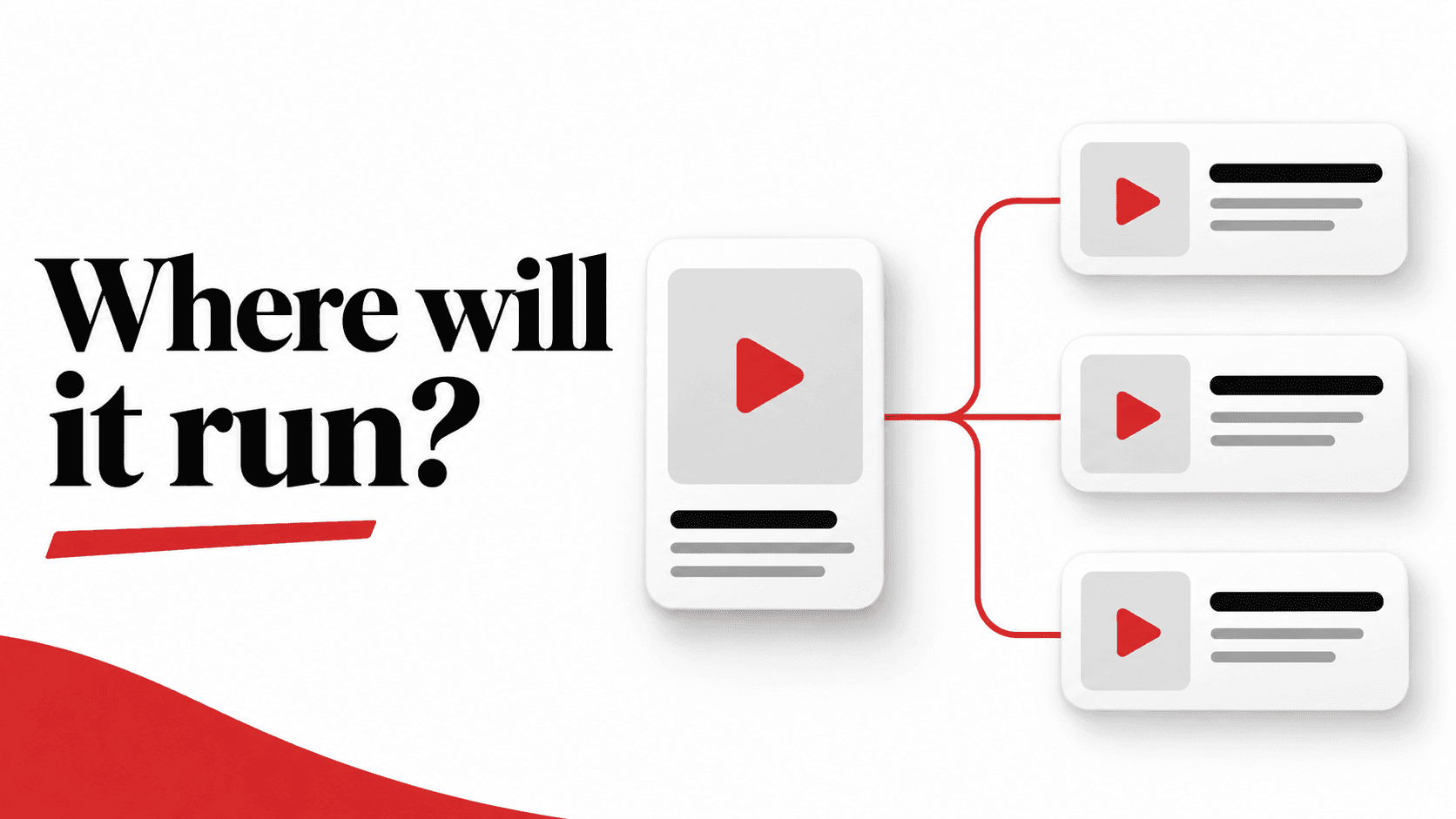
An app business approves a campaign expecting its ads to appear in the TikTok feed. The setup includes a broader placement option. The client who approved it and the buyer who built it may think they agreed to the same plan, but they have not agreed on where the ads can run.
Before launch, answer three separate questions: which inventory is available for this setup, which of it have you selected, and where did the campaign actually deliver? A placement label answers only part of that conversation.
This guide focuses on eligibility and setup. It does not rank placements or promise that broader distribution will produce better users.
Read the label, then look behind it
TikTok's current documentation uses both automatic placement and eligible placement, with the latter applying to some customers or markets. Its app event optimization setup guide describes a broader distribution option and a Select placement option, sometimes accessed through a pencil icon. The selected option limits the ad to the chosen placement. That guide supports both approaches for app event optimization; it is not a promise that every campaign will show identical controls. [1]
Check which Smart+ experience you are using. TikTok’s August 2026 Smart+ App page describes automatic selection, no Search, and iOS limited to TikTok and Lemon8 in available markets. [7] Its September upgraded Smart+ placement page describes placement selection for campaigns where that control is editable. [8] Do not apply either description to every Smart+ or iOS campaign; verify the experience and controls in your account.
Do not reduce this to “automatic means everywhere” or “manual means the TikTok feed.” Availability depends on the actual setup, and a named placement can contain several surfaces.
At the approval stage, show the selected options and explain what they include. If the brief requires a narrow environment, confirm that the available selection really provides it. An assumption in a planning document is not a delivery control.
TikTok placement is not only For You
The October 2026 TikTok placement page lists For You alongside search surfaces. It also describes additional inventory associated with For You, including profile, following and friends feeds, TikTok Lite, web and Mini Drama Feed. Lemon8 and PineDrama appear with specific market restrictions. App promotion is among the objectives listed for the Search Results Page. [2]
The point is not to memorize that list. It is to avoid interpreting the TikTok placement name as a guarantee of one feed or even one app experience. Check the current details for the selected market and objective, and record what your account actually allows.
If an app business says “TikTok only,” ask what it means operationally: the available TikTok placement option, a particular surface, or exclusion of partner-app inventory. Those are different requirements, and the interface may not offer every restriction the brief imagines.
Separate the bundle from the network
Global App Bundle is a named placement solution for ByteDance apps beyond TikTok. The current page gives CapCut, Fizzo and Melolo as examples and lists App Promotion among supported objectives, including install, app event and value optimization. That support statement should not be read as universal availability in every account or country. [3]
TikTok Ad Network, formerly TikTok Pangle, is the network option covering publisher apps. The naming change matters when someone compares an older plan or report with today's interface: a different label is not, on its own, evidence that the buying decision changed. [4] The label drift exists inside TikTok’s current documentation too: the Smart+ App page still calls its Android network inventory TikTok Pangle, while the block-list page uses TikTok Ad Network (formerly Pangle). [7][9]
For exclusions within Ad Network, TikTok documents a bundle-ID block list under Tools → TikTok Ad Network brand safety (called Pangle for some advertisers). Creating the list is not enough: activate its use in the ad group’s relevant Brand Safety or advanced settings. This control applies to Ad Network, not TikTok in-app inventory, and is different from excluding the network altogether. [9]
Keep these options distinct in the handoff. “Other apps” is too vague when the client is approving a specific distribution plan. Equally, do not promise a named publisher or app merely because it appears in a platform description. Treat examples as examples, not a guaranteed delivery list.
Check eligibility in the actual campaign
Start with the account, target market, campaign objective, app and optimization goal. TikTok's location-targeting documentation says the markets available to an advertiser depend on the country or region used to register its Ads Manager account. A colleague's screenshot from a different account is not a reliable availability check. [5]
For app event optimization, TikTok's documented setup chooses the app before the placement, then selects the in-app event under bidding and optimization. Review the completed configuration together rather than treating the placement menu as an isolated choice. [1]
Our practical check is to record four things in the launch handoff: the app and operating system, the target locations, the optimization goal, and the exact placement selections visible in that setup. Note any unavailable option instead of substituting a broader one without revisiting the brief.
Also inspect the creative and destination for the environments you have selected. Can the ad still explain the app and its offer clearly? Does the destination open the intended store listing or in-app screen? These are quality checks, not proof of placement eligibility, and passing one does not replace the other.
Make the placement decision before creating the ad group
Both TikTok’s eligible-placement and Ad Network pages state: “Your placement is selected when creating an ad group and cannot be changed after it has been created.” Check the selection before completing creation, not just before the first budget review. [4][6]
If you later need a different placement mix, plan for a new eligible setup rather than promising an in-place edit. Check the current workflow first and preserve the original configuration in the handoff. Do not silently replace the old ad group, transfer its budget or leave both running without an explicit operational decision.
Eligibility is not a delivery report
An enabled placement tells you where an ad may run, not where impressions or spend actually went. TikTok describes eligible-placement allocation as performance-driven and notes that traffic can concentrate where a creative performs better. Do not forecast an equal split across enabled options. [6]
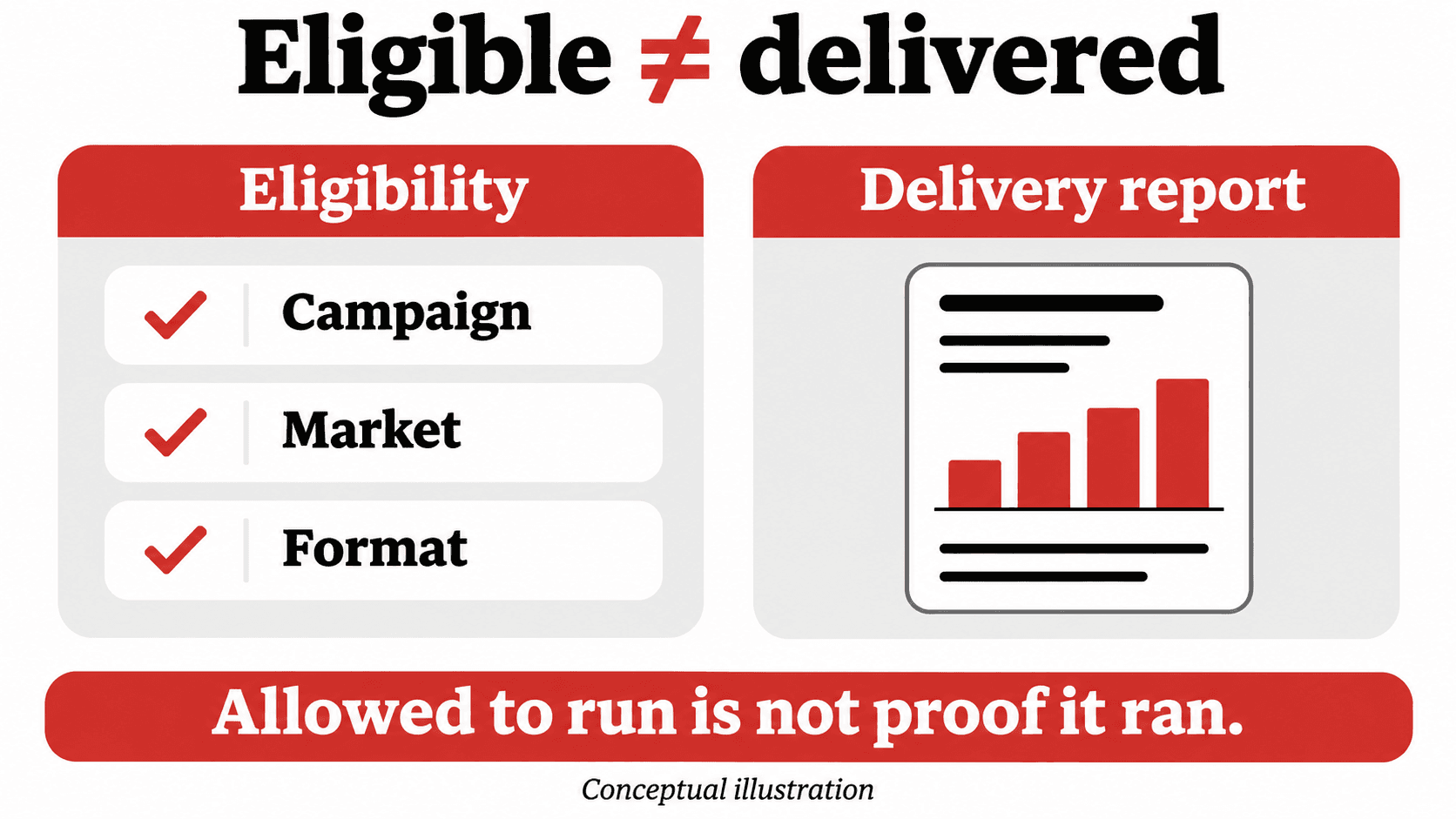
After launch, review the placement breakdown available in your reporting and compare it with the saved setup. Keep the level of detail honest: a placement-level row is not necessarily an app-level or publisher-level record. If the reporting does not answer a client's exact question, state that gap rather than inventing precision.
For Ad Network specifically, TikTok documents a post-campaign Delivery report under Tools → TikTok Ad Network brand safety. It may take one to two days to become downloadable and may omit certain publisher impressions because of contractual restrictions. A pre-campaign Publisher list is different: it summarizes leading publishers using historical traffic, not your campaign’s completed delivery. [10]
Then evaluate the outcomes that matter to the app business. Cheap installs alone do not establish useful engagement or value. That is a separate performance question from whether the campaign respected its approved placement plan.
Five questions before launch
- What does each selected placement include, beyond the label shown in the menu?
- Is it available for this account, target market, app and optimization setup?
- Does the saved selection match the client's actual distribution requirement?
- Have the creative, destination and any unavailable controls been checked and recorded?
- Who will verify actual delivery after launch, and what reporting detail will be available?
The useful deliverable is a clear, saved placement decision. Know what can run, confirm what you selected, and check what actually happened.
Sources and scope
Primary TikTok documentation reviewed November 18, 2026. Names, availability and controls can change by market and campaign setup. No live ad account was inspected for this article. Examples are synthetic; no client results are used. Practical handoff and review suggestions are editorial recommendations, not platform guarantees.
[1] TikTok: How to set up an App Event Optimization campaign
[2] TikTok: About TikTok Placement
[3] TikTok: About Global App Bundle Placement
[4] TikTok: About TikTok Ad Network (formerly TikTok Pangle)
[5] TikTok: Available location targeting options by market
[6] TikTok: About eligible placements
[7] TikTok: About Smart+ App Campaigns
[8] TikTok: About Eligible Placement for your upgraded Smart+ experience